View a Class
This feature is for SA, ML, MA, CA, Trainer, Assistant Coach
Watch (about 1 min):
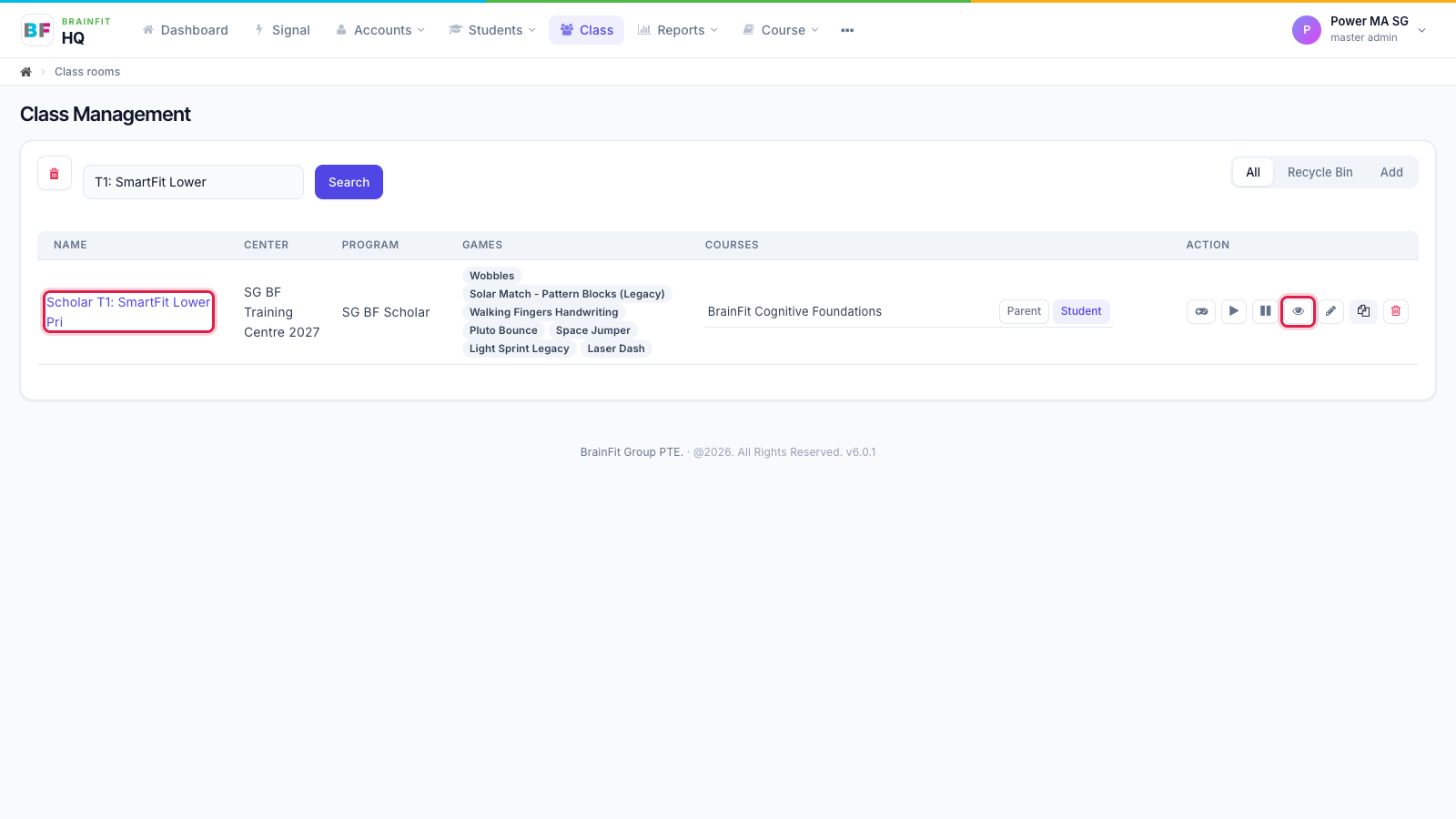
- Open Class in the top menu. Click the class name, or the eye icon in the Action column.
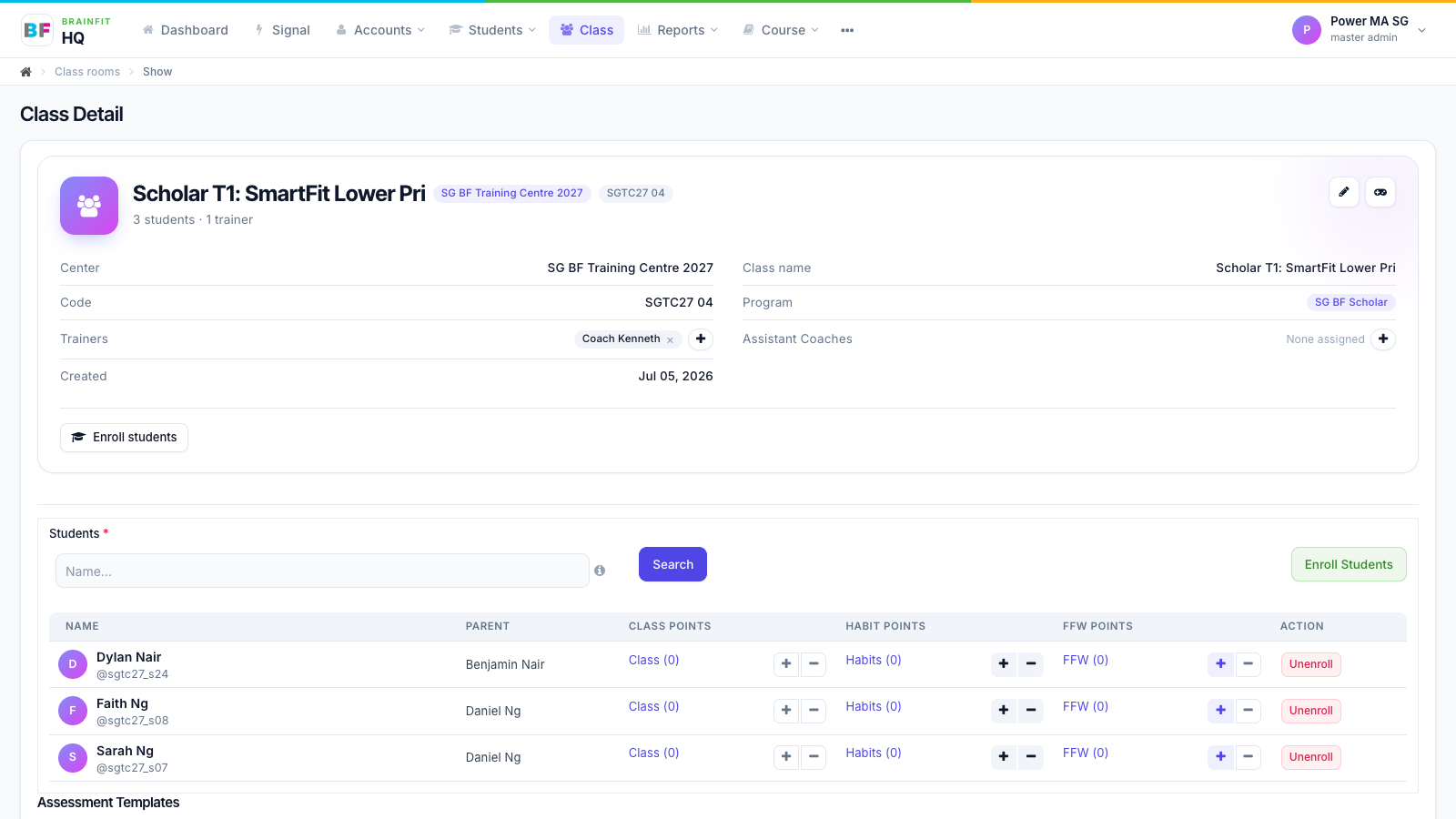
- The class page shows the class details: centre, code, program, trainers, assistant coaches and how many students it has. The pencil at the top right opens the full edit page; the gamepad opens the class's game config.
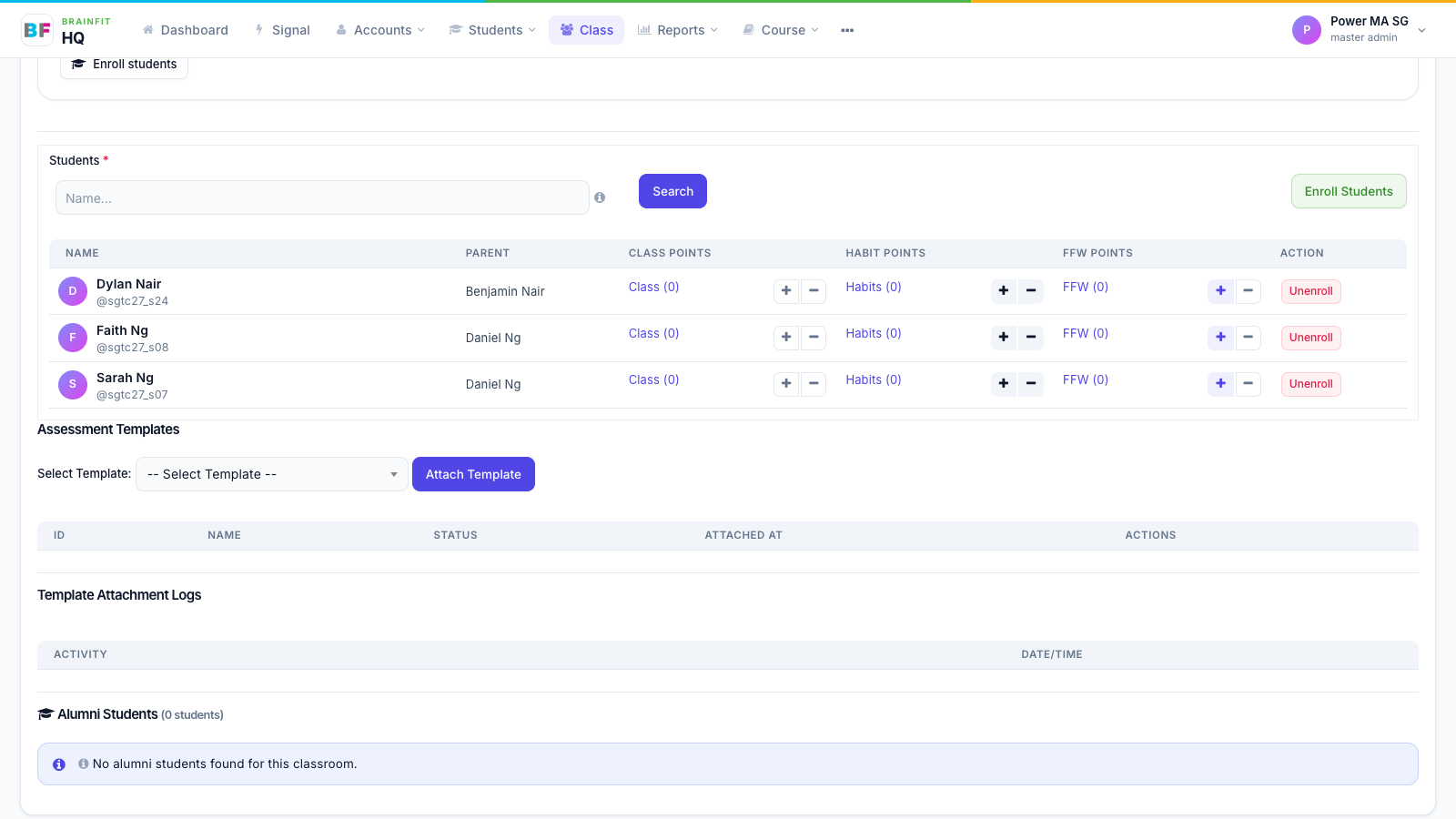
- Below the details: the Students list with their Class, Habit and FFW points (+ / − to add or redeem points, Unenroll to take a student out of the class), then Assessment Templates and Alumni Students.